Back to Corvo

Changelog

What shipped in each release of Corvo, newest first.

v0.2.0Latest

Team workspaces and alert investigations

Corvo now runs in a shared workspace with members and roles, and it groups alerts into investigations you can follow and steer. This entry also covers what shipped since v0.1.0, including custom skills, MCP servers, daily reports, GKE and Compute Engine logs, and Discord.

Custom instructions for Agents

Custom instructions are added to every run: chat, alert investigations, and pull request replies. You can turn built-in skills on or off and write your own, such as a rollback runbook, which Corvo reads when a task calls for it. MCP servers connect from the same page, with OAuth for servers that need sign-in. When a server's authorization expires, its row shows an Authorize button.

Custom instructions being saved on the Agent page
Open Agent settings

Daily reports

Corvo writes a daily summary of errors, investigations, and pull requests. Set your timezone and a push time in Settings and the report arrives in Telegram, or send /daily_report to the chat bot in a direct message. Each report also has its own page.

A daily report page with its summary and error groups
Open Daily reports

Sign in with your email

You can sign in with a one-time code sent to your email address. Google and GitHub sign-ins that use the same email now open the same account.

The Corvo sign-in page with the email option

Workspaces, members, and roles

Integrations, agent settings, alerts, and reports now belong to a workspace. Create one for each team and switch between them from the sidebar. Invite teammates by email as an Admin, Editor, or Viewer; a setting your role can't change is locked and says who can. Existing accounts were moved into a workspace with their data, and admins can now disconnect GCP or the GitHub App and delete a workspace.

The Members page with an invite sent and a pending invitation
Invite members

Alerts are grouped into investigations

Corvo collects alerts for five minutes, then an orchestrator hands each problem to an investigation. A repeat of a known error goes back to the investigation that already handled it, and a multi-line stack trace now counts as one alert. Each investigation page shows its status, its alerts grouped by error, the agent's summary, and a Cloud Logging link for the whole time span. The agent works out which repository a log came from, so the service-to-repository mapping is gone.

Diagram of a closed alert window: an orchestrator sends one alert to an existing investigation and three to a new one
Open Investigations

Work with the agent while it runs

You can message the agent while it works. Queue a follow-up, press Send now to change its direction, or stop the run; stopping keeps your queued messages so you can still send them. Runs no longer stall after 60 seconds, and the conversation stays in sync across tabs.

An investigation page with the agent's steps and the alerts panel

Memory you approve

When the agent learns something about your systems, it proposes a fact on the Memory page. A member approves the fact before the agent uses it, and members can add, edit, or remove facts themselves. Admins can turn on auto-approve after a warning that explains what it allows.

A fact proposed by the agent waiting for approval on the Memory page
Open Memory

Prepare the agent's sandbox

Add the repositories Corvo works in and a setup command for each. Corvo runs every command first, then builds a sandbox snapshot, so each run starts with the code and its dependencies installed.

The Agent environment on the GitHub integration page, with two repositories ready
Open GitHub settings

GKE and Compute Engine logs

Alert streaming now reads GKE and Compute Engine logs as well as Cloud Run. Corvo lists the clusters, namespaces, containers, and instances in your project and builds the log filter from what you select. Selecting a whole platform also covers anything created there later, and the current sink keeps running until the new filter is in place. The GCP setup wizard can go back a step, and each step offers a manual path and a script.

The GCP source picker with Cloud Run, GKE, and Compute Engine selected and the generated log filter
Open GCP settings

Alerts in Telegram groups

Telegram now has two bots: one you chat with, and an alerts bot that only posts incidents. Add the alerts bot to a group and each alert updates in place while its investigation runs.

Corvo alert messages updating in a Telegram group
Open Integrations

Corvo on Discord

Corvo now works in Discord. Pick a server and a channel for alerts, and each alert posts there and updates as the agent works. Mention Corvo in the channel to ask about one.

A Corvo alert posted to a Discord channel
Open Integrations
v0.1.0

GitHub App connections, PR replies, and shared team alerts

Corvo now connects through a GitHub App, replies inside pull request threads, and works in Telegram groups. Alerts and investigation updates can reach everyone attached to the same project.

Connect GitHub through the Corvo App

Install the Corvo GitHub App instead of pasting a personal access token. Pull requests and comments now appear under Corvo's bot identity. Corvo also reads repository guidance files such as CLAUDE.md and AGENTS.md, then follows the repository's pull request template when it opens a fix. The personal token connection flow has been removed.

Corvo GitHub App connected to two repositories and a draft pull request
Connect GitHub

Reply inside the pull request

Comment on a pull request opened by Corvo to ask about the fix or request a change. Corvo replies in the same GitHub thread with the current diff and pull request context. Reviewers can follow the discussion without moving to Telegram.

A slash Corvo review command being typed in a GitHub pull request comment

Use Corvo in a Telegram group

Corvo now works in Telegram group chats. Bind a group to a project by project name or chat ID from Settings. The group receives the same alert, investigation, and pull request updates in one thread.

Corvo incident updates organized inside a Telegram group thread
Open Settings

Send project alerts to every teammate

An alert now reaches every Corvo user connected to the same GCP project. Telegram posts later investigation updates as replies to the original alert, keeping each incident in one thread.

Read metrics during an investigation

The new read_metrics tool lets Corvo inspect Cloud Monitoring data while it investigates an alert. GCP errors are presented as readable messages instead of raw JSON. The Incidents page also shows the deduplication decision and cached pull request status.

Open the Incidents page
v0.0.17

Incident deduplication with drop, skip, and process decisions

Corvo now records a drop, skip, or process decision for every repeated alert. Recurring incidents can reuse context from an earlier investigation.

Record one decision for each alert

Corvo classifies every incoming alert as drop, skip, or process. A duplicate of an active investigation is dropped, while a repeated alert with an existing fix can be skipped. Alerts that still need work start a new agent run.

A repeated alert routed through Corvo's three deduplication decisions

Reuse context from the earlier fix

When Corvo processes a recurring issue, it includes context from the earlier investigation and fix. The next run can see what was already tried instead of starting with an empty history.

An earlier fix connected to a new investigation with prior context
v0.0.14

Connect GCP with a reviewed Google sign-in flow

GCP onboarding now uses Google sign-in and shows the access Corvo will request before connecting. Agent runs also report or recover from several previously silent failure cases.

Review access before connecting GCP

Enter a GCP project ID and choose which supported services Corvo may read. The page lists the APIs, service account, and read-only roles that Corvo will configure before Google sign-in. Corvo then runs the setup steps and verifies the connection.

The requested APIs, service account, and read-only roles shown before GCP connection
Connect GCP

Report failed or empty agent steps

The agent runtime now handles exhausted action limits and empty model completions. It retries when recovery is safe and returns a clear error when it cannot continue. Sandbox setup is also skipped when a run does not need it.

v0.0.13

Agent permissions and live run status

Choose which Git and GitHub actions Corvo may run, then follow an investigation while it is in progress. This release also adds per-user alert routing and the first terms and privacy pages.

Choose allowed Git and GitHub actions

The Agent Guardrail checks each git and gh command against the permissions set for the user. It also parses compound shell expressions, so a blocked operation cannot be hidden after another command. The Permissions page controls individual actions such as commit, push, merge, release, and workflow reruns. Actions that can publish or discard work require explicit trust.

Corvo agent permissions for Git and GitHub CLI operations
Open agent permissions

Follow an investigation while it runs

The app streams the current investigation status and each completed step. Disconnecting closes the live view without stopping the agent. You can return later to see the result.

Route alerts per user

Alert ingest can now be enabled and dispatched per user. This supports gradual rollout without changing routing for everyone connected to a project.

Terms and privacy pages

The public site now includes terms of service and privacy pages. Both pages are linked from the product for easier access.

v0.0.8

Targeted edits and isolated incident workspaces

Corvo can edit exact text without rewriting a full file, and each alert conversation runs in its own sandbox. Duplicate alerts are filtered before another investigation starts.

Edit exact text with `edit_file`

The new edit_file tool replaces a specific string in place. Corvo no longer needs to rewrite a whole file for a small change. Pull request diffs stay focused on the lines that changed.

Give each conversation its own sandbox

Every alert conversation now runs in an isolated sandbox. Concurrent investigations use separate repository clones and working state. A change in one investigation cannot leak into another.

Two alert investigations running with separate sandboxes and working state

Filter duplicate alerts before investigation

Corvo checks for duplicate alerts during webhook ingest. If the same alert arrives while an investigation is active, the duplicate does not start another agent run. This prevents competing fixes for one incident.

Generate the log sink setup script

GCP onboarding now generates the required log sink setup script. The page guides you through running it in Cloud Shell and returning to Corvo when setup is complete.

Connect GCP
v0.0.3

Incident list, faster agents, and your choice of language

This release focuses on making incidents easier to track, agent replies faster and more accurate, notifications quieter — and lets Corvo reply in the language you prefer.

A new Incident List — track every alert in one place

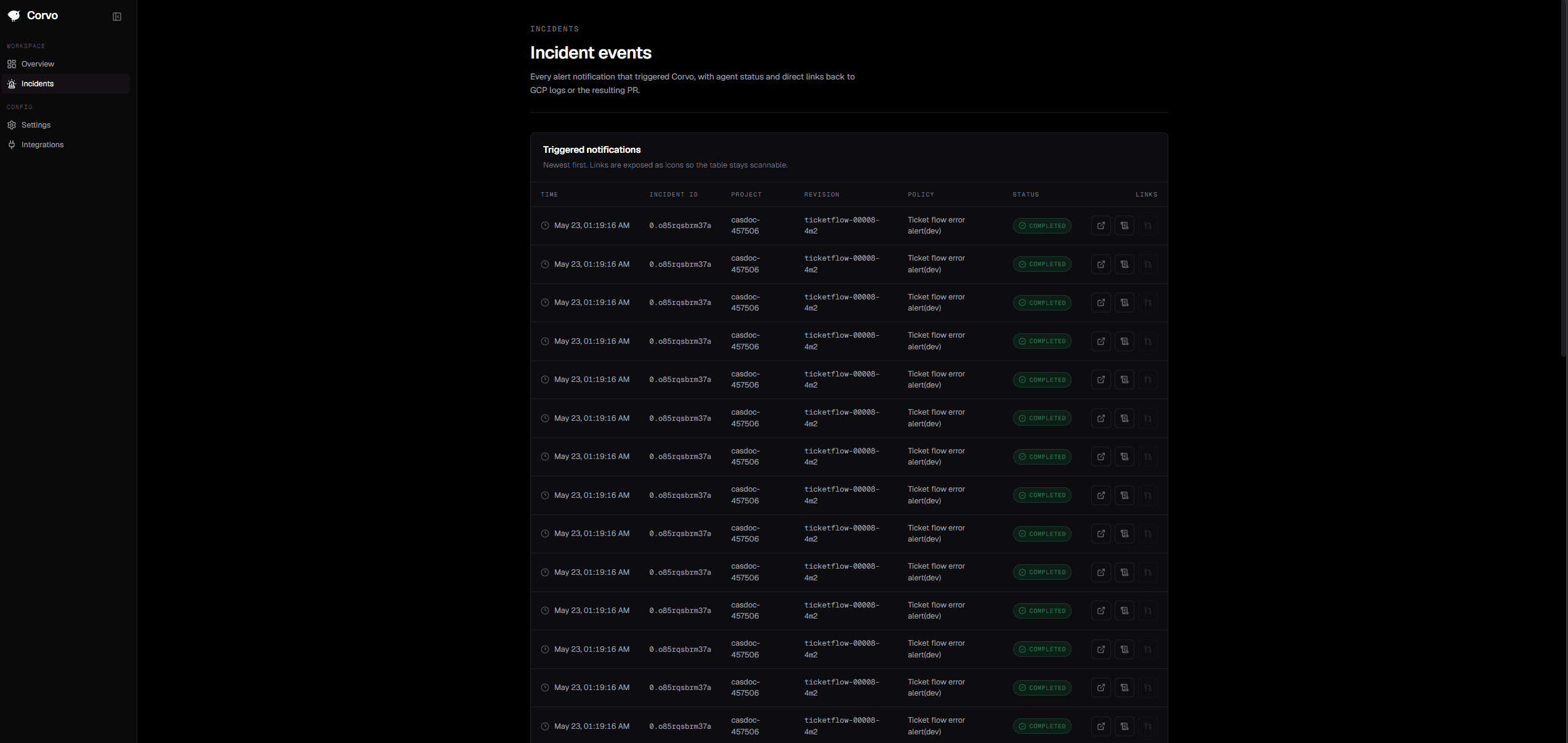
Every alert Corvo triages is now collected on a brand-new Incidents page. From there you can browse the full history of triggered alerts, jump straight to the matching error in the GCP Cloud Logging explorer, follow the GitHub PR whenever Corvo opens a fix, and watch the agent's status in real time as it moves from triage to investigation to action.

Corvo Incidents page listing recent alerts with status, error log, and PR fix links
Open the Incidents page

Formatted Telegram replies

Corvo's replies in Telegram are no longer one long block of plain text. The new Telegram notifier supports bold text and clearer paragraph structure, so RCAs, investigation results, and fix suggestions are much easier to read.

Faster, more accurate agent turns

We made a number of performance and stability improvements to the runtime. Long-running tasks now move to a background process automatically, and alert triage no longer mixes in unrelated recent chat history. The result is more accurate PR fixes and lower latency overall.

A quieter notification experience

Corvo used to send a notification for almost every intermediate step during triage. From v0.0.3 the flow is condensed to three key moments: the initial notification, the RCA once investigation completes, and the final investigation result. You get far less noise while keeping full incident coverage.

Choose Corvo's reply language

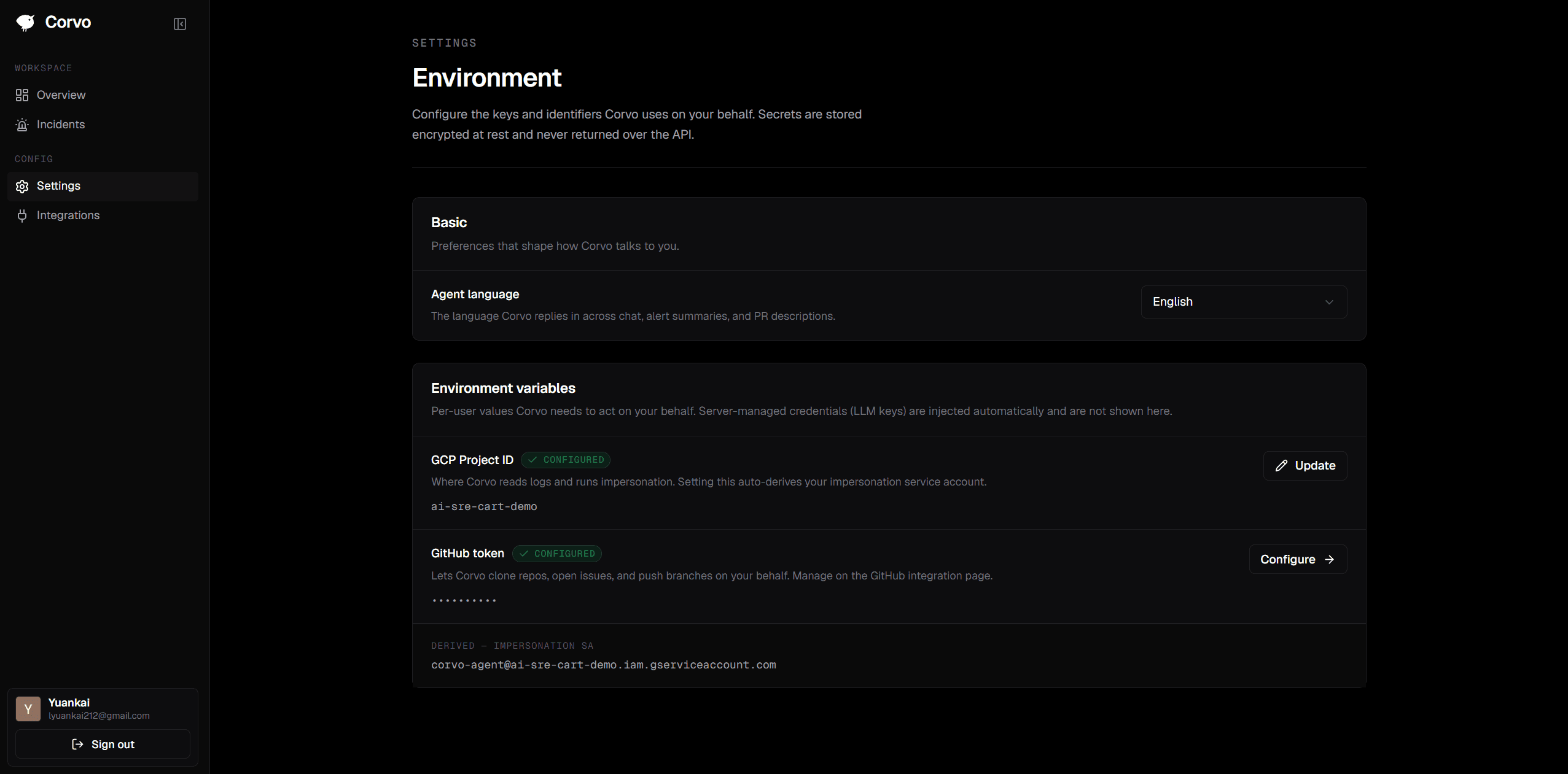
New users now see a language picker during onboarding to set which language the Corvo agent replies in, and you can change it anytime under Settings > Basic. English and Traditional Chinese are available today. The setting flows through every Corvo workflow, so Corvo speaks your chosen language everywhere it has something to say.

Onboarding dialog asking the user to choose the Corvo agent's reply language
v0.0.1

Corvo's first release — autonomous SRE for GCP

The first tagged release: GCP-native alert ingest, an orchestrator agent runtime, Telegram notifications, sandboxed code execution, GitHub PR fixes, and the foundation for everything that comes next.

Landing page, app shell, and GCP onboarding

The first end-to-end product surface: a public landing page, the authenticated app shell with sign-in, and a GCP onboarding flow that guides users through wiring Cloud Logging alert notifications and a least-privilege impersonation service account.

Webhook ingest and the SRE alert workflow

Cloud Logging error notifications hit a signed webhook that verifies the HMAC, normalizes the payload, and hands the alert to the SRE alert workflow. The workflow runs a structured triage → investigate → act sequence on the orchestrator agent, with per-step prompts and a strict turn protocol.

Orchestrator agent runtime

The agent server runs on Mastra with a sandboxed workspace (E2B or local) where the agent can clone the affected repo, read code, run bash commands, and propose fixes. Service-to-repo mappings let the agent figure out which repository owns the alerting service, and a UI for managing those mappings ships in the same release.

Telegram notifications

Corvo notifies users in Telegram as the agent works — bind a chat once via the settings flow, and the agent will keep the channel updated through the lifecycle of every incident.

Production-ready deploy

Cloud Run deploys for both the web app and the agent server, env vars sourced from GCP Secret Manager via pull-env.sh and push-env.sh, the agent runs as a least-privilege service account (corvo-agent-runtime), and a separate Cloud Tasks queue handles asynchronous agent dispatch. A hotfix at v0.0.2 wires the prod workflow to the right Cloud Tasks queue.